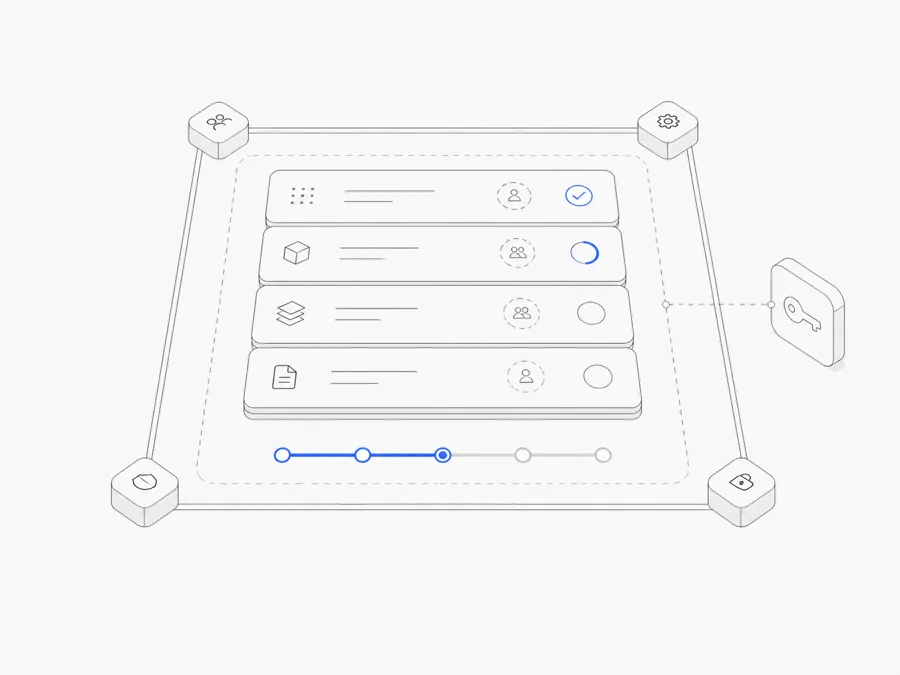
OpenCode permissions decide whether a matching tool action runs immediately, asks for approval, or is denied. In OpenCode V2, stable configuration uses an ordered permissions array. Every rule names an action, a resource, and an effect:
allowruns the matching action;askpauses for a human decision; anddenyblocks the matching action.
If you copied an older example using permission, bash, or task, do not mix it into a V2 config. The current V2 names are permissions, shell, and subagent.
Last verified: September 16, 2026. OpenCode configuration can change across versions. The examples below follow the current OpenCode V2 permissions reference. Check the schema and documentation for the version you actually run.
Security boundary: A permission rule controls whether OpenCode may attempt an action. It does not prove that an allowed command is correct, isolate the operating system, protect an overprivileged cloud account, or replace review and backups.
Start with a small V2 baseline
This example asks before arbitrary shell commands, allows two common read-only Git inspections, and denies pushes:
Treat it as a teaching baseline, not a universal policy. Your command syntax, repository workflow, operating system, and organization controls may require different resources.
The important property is that the policy is understandable. A reviewer should be able to explain what each rule permits and why the job needs it.
Rule order matters: the last matching rule wins
OpenCode V2 evaluates ordered rules and uses the last matching rule. Put the broad baseline first, then narrower exceptions:
Both git commit ... and git push ... also match git *, but their later rules are more specific. Reversing the order can make a broad rule override the restriction you intended.
Pattern matching is not intent analysis. A wrapper script, alias, wrong working directory, or unexpected argument can change the real effect of a command. Test the exact inputs your workflow uses.
Separate file, shell, and external-directory decisions
“Access the repository” is not one permission. Review each capability independently.
File reads
Reading can expose source code, logs, configuration, personal data, and secrets. Allow only the resources required by the task. Preserve denials for secret-bearing files such as .env, while allowing harmless templates such as .env.example only when the workflow needs them.
Do not launch OpenCode from a broad parent directory merely to reach one file. A narrow project boundary is easier to reason about.
Edits
For a review-only Agent, deny edits. For a build Agent, ask can create a useful checkpoint before a matching change. Approval still does not make the patch correct: inspect the diff and run the repository's real checks.
Shell commands
Shell access can inspect state and run tests, but it can also delete data, install packages, publish code, or modify infrastructure. Start with ask, allow only exact low-risk patterns you understand, and explicitly deny external or destructive actions the job should never perform.
External directories
External-directory access expands the filesystem boundary. Grant the smallest path that supports the task, then keep the underlying read, edit, and shell rules restrictive. Permission to reach a directory is not permission to do everything inside it.
Add per-agent rules only when jobs differ
V2 supports rules under a specific Agent. OpenCode appends Agent rules after the global list, so matching Agent rules can override the global baseline.
Use this when a role has a genuinely different responsibility: a reviewer denies edits, while a builder may ask before them. Avoid creating many near-identical Agents and exception lists; a short global baseline plus a few clear overrides is easier to audit.
A custom subagent uses its own permissions. Do not assume it automatically inherits a narrower subset of its parent's effective access.
Test the effective policy safely
Use a small disposable or version-controlled project with no real secrets:
- Load the configuration and confirm OpenCode reports no schema error.
- Read an ordinary source file and confirm the expected result.
- Try a dummy
.envfile and confirm the intended denial. - Propose a harmless edit and confirm whether it asks or denies.
- Run the exact read-only shell patterns you allowed.
- Try a dummy denied command such as a push to a non-production test repository.
- Reference a harmless file outside the project and verify the external-directory behavior.
- Repeat the checks for each Agent-specific override.
Record the OpenCode version and test date. Repeat the policy test after a major upgrade or a material config change.
Permissions are one layer, not the whole sandbox
Pair OpenCode rules with:
- version control and a known rollback path;
- separate development credentials and least-privilege cloud roles;
- secret storage that does not expose keys in prompts or logs;
- repository checks and human review; and
- an isolated runtime when the task handles untrusted code or data.
If you are choosing between local execution and a managed environment, compare local and cloud OpenCode workflows. A cloud Workspace changes the runtime boundary; it does not remove the need for explicit tool permissions.
For setup and model selection, use the OpenCode installation guide and provider and model guide. If a persistent managed Workspace better fits your project, review the OpenCode Agent page and current Agent.Space plans. Agent.Space is independent from OpenCode and does not replace its permission configuration.
FAQ
What changed in OpenCode V2 permissions?
The V2 reference uses an ordered permissions array with action, resource, and effect. It also uses action names such as shell and subagent instead of older bash and task examples. Do not combine V1 and V2 schemas in one file.
Why did a specific rule not override *?
Check both the matched input and the rule order. The last matching V2 rule wins, so broad rules should normally appear before narrow exceptions.
Is ask the safest useful default?
It is a conservative checkpoint, not a guarantee. Use deny for actions the workflow must never perform, ask for context-sensitive actions, and allow only for bounded patterns you have reviewed and tested.
Can a reviewer and builder use different permissions?
Yes. Put shared rules at the top level and narrower overrides under agents.<id>.permissions. Verify the resulting behavior rather than relying on the Agent name.